

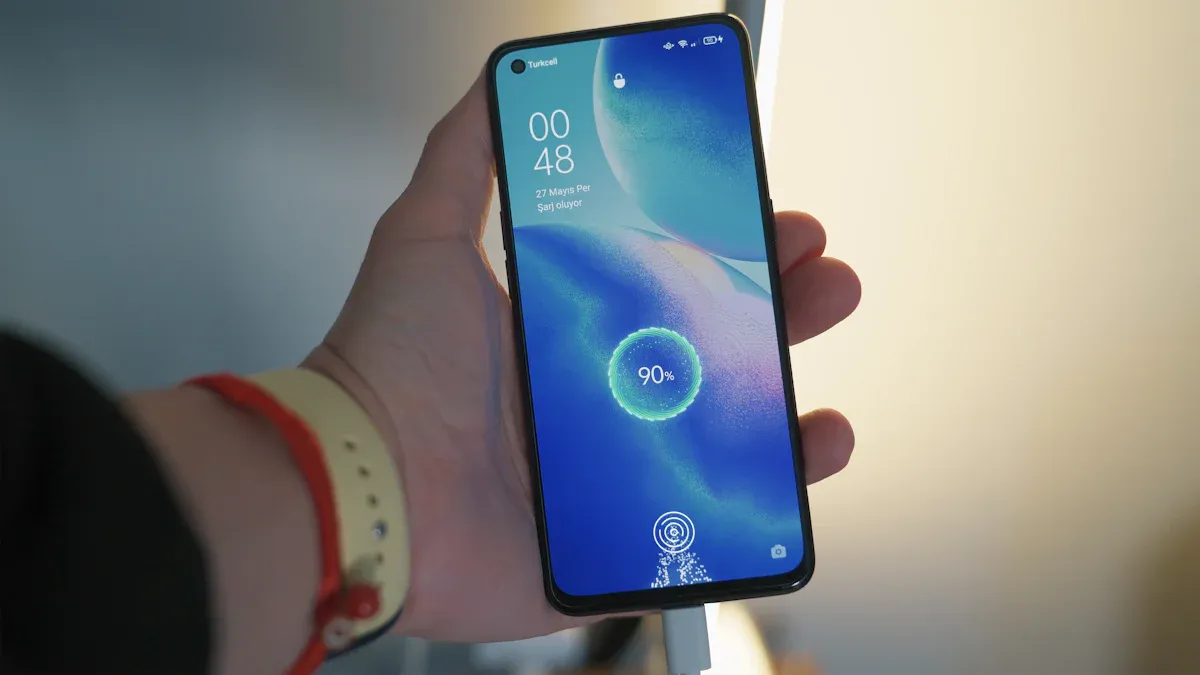
Your smartphone charging habits significantly impact your smartphone’s battery health. By adopting better practices, you can extend your battery’s lifespan. For instance, maintaining your charge between 20% and 80% minimizes degradation. Avoiding excessive heat also prevents damage to battery components. These small changes in your smartphone charging habits lead to improved battery performance over time.
Key Takeaways
Keep your smartphone charged between 20% and 80% to reduce battery stress and extend its lifespan.
Use high-quality, certified chargers to prevent overheating and protect your device from damage.
Avoid extreme temperatures while charging to maintain battery health and prevent degradation.
Best Charging Practices
Ideal Battery Levels
To maximize the lifespan of your smartphone’s battery, aim to keep it charged between 20% and 80%. This range reduces stress on the battery cells and slows down the degradation process. Studies show that maintaining these levels can extend the overall lifespan of lithium-ion batteries. Here’s how it works:
Charging to 80% instead of 100% minimizes wear and tear.
Avoiding complete discharges helps maintain battery health.
Partial charging reduces stress on the battery’s structure.
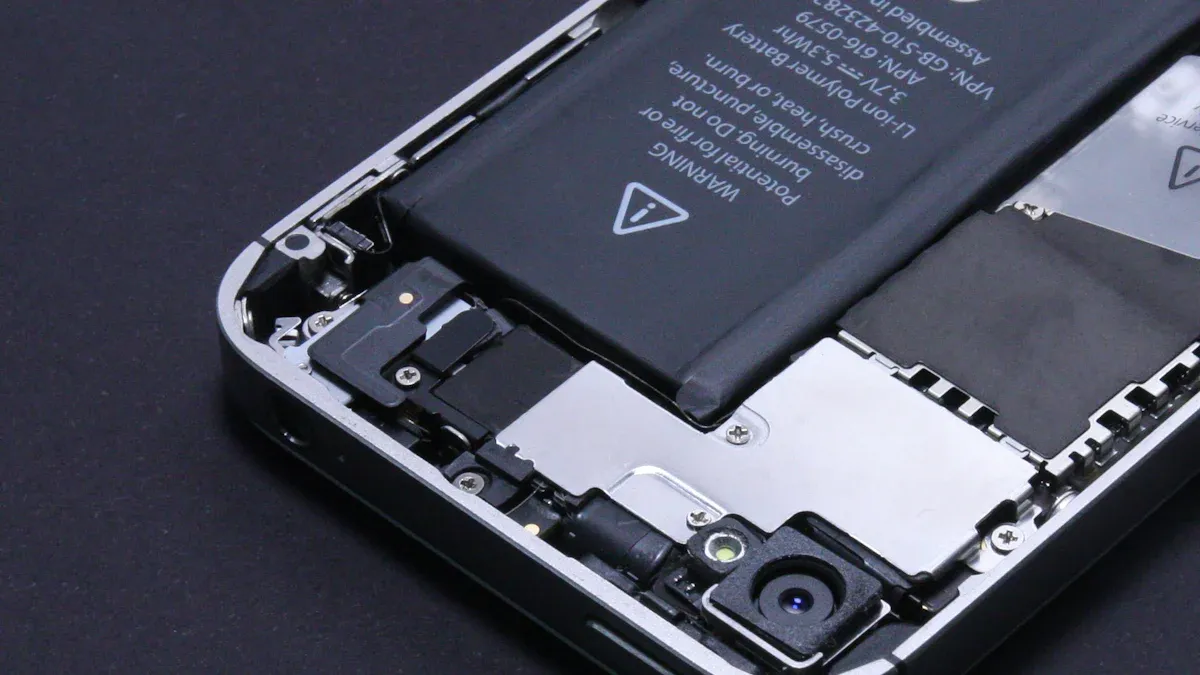
Research from the SLAC Battery Center indicates that charging lithium-ion batteries at high currents during their initial charge can significantly enhance their lifespan. This practice can increase battery longevity by 50% while reducing the initial charging time from 10 hours to just 20 minutes.
Charging Frequency
Your charging habits also play a crucial role in battery health. Here are some tips to follow:
Charge your phone when the battery level drops to around 20-30%.
Unplug it once it reaches 80-90%.
Avoid letting the battery drain completely.
Frequent full charges to 100% should be avoided.
Charging in short bursts, such as from 20% to 80%, is less stressful on the battery. Deep discharges and full charges can harm battery health. By adopting these optimized battery charging habits, you can significantly improve your smartphone’s performance and longevity.
Using the manufacturer-recommended charger is essential for maintaining battery health. While reputable third-party chargers can be suitable, they may lack safety features that help manage heat and charging cycles. Poor-quality chargers can lead to overheating, which is detrimental to battery life. Always prioritize using high-quality chargers to ensure safe power flow and reduce risks.
By following these best charging practices, you can care for your smartphone’s battery and extend its lifespan effectively.
Common Mistakes in Charging
Overcharging Myths
Many people worry about overcharging their smartphones. However, modern devices have built-in protections that prevent this issue. Here are some common misconceptions:
Overcharging is a real threat: Although lithium-ion batteries can theoretically be overcharged, modern smartphones prevent this from happening. They have smart charging systems that stop the battery from charging beyond 100%.
Leaving your phone plugged in is harmful: The belief that keeping your phone plugged in after it reaches 100% damages the battery is a misconception. Intelligent circuitry adjusts the charging current to avoid overcharging.
Overnight charging is dangerous: While many think that charging overnight harms the battery, it is not true. Modern devices manage the charging process effectively, ensuring safety.
Despite these protections, keeping your phone at full charge for extended periods can still stress the battery. This stress contributes to faster aging due to chemical processes in lithium-ion batteries.
Incompatible Chargers
Using the wrong charger can lead to serious problems. Here are some risks associated with incompatible or uncertified chargers:
Fire and electric shock hazards: Counterfeit chargers often use substandard materials, increasing the risk of overheating and fires.
Inconsistent power delivery: Unstable voltage or amperage can damage your phone’s charging port and internal components.
Physical damage: Poorly fitting connectors can bend or break pins in the charging port.
Data corruption: Inconsistent power can lead to software issues, affecting your phone’s performance.
Power IC and motherboard failure: Faulty voltage regulation can cause your phone to stop working entirely.
Always choose chargers that have safety certifications, such as UL, CE, or MFi. These certifications ensure that the charger meets safety standards and reduces risks. Using high-quality chargers protects your device and extends its lifespan.
By avoiding these common mistakes, you can significantly improve your smartphone’s battery health and longevity.
Tips for Battery Longevity
Temperature Management
Managing temperature during charging is crucial for your smartphone’s battery health. High temperatures can accelerate chemical reactions inside the battery, leading to faster degradation. Conversely, low temperatures can cause lithium plating, which permanently reduces capacity. To keep your battery in optimal condition, follow these guidelines:
Avoid extreme temperatures: Charge your phone in environments between 0°C to 45°C (32°F to 113°F).
Monitor device heat: If your phone feels hot, let it cool down before charging.
Remove cases during charging: This allows for better heat dissipation, especially when using fast charging.
Avoid obstructing airflow: Never charge your phone under pillows or in bags, as this can trap heat.
Here’s a quick look at how temperature affects battery lifespan:
Temperature (°C) | Capacity Loss (%) after 200 cycles |
|---|---|
25 | 3.3 |
45 | 6.7 |
Power-Saving Features
Enabling power-saving features on your smartphone can significantly extend battery life. These features optimize your device’s performance and reduce energy consumption. Here are some effective mechanisms:
Mechanism | Description |
|---|---|
Limits Background Apps | Reduces battery drain by pausing apps from checking for updates or sending notifications. |
Slows Down the CPU | Decreases power consumption by reducing the processing speed of the device’s main chip. |
Dims the Screen | Lowers brightness to save energy, as the screen is a major power consumer. |
App Standby Buckets | Prioritizes app usage, allowing frequently used apps to function normally while limiting others. |
Using these features can lead to a reduction in energy consumption by around 44%, extending the usable life of your smartphone battery. By practicing battery care and charging with intention, you can ensure your device remains functional for years to come.
Adopting effective charging habits is crucial for extending your smartphone’s battery lifespan. Aim to keep your charge between 20% and 80%. This practice reduces stress and chemical aging. Additionally, good charging habits help the environment by minimizing electronic waste and saving you money on replacements. 🌍🔋
FAQ
What is the best way to charge my smartphone?
Charge your smartphone between 20% and 80% for optimal battery health. Avoid full discharges and frequent 100% charges.
Can I leave my phone charging overnight?
Modern smartphones have protections against overcharging. However, it’s best to unplug once fully charged to reduce stress on the battery.
How do temperature extremes affect my battery?
High temperatures can accelerate battery degradation, while low temperatures can cause lithium plating. Keep your device within 0°C to 45°C (32°F to 113°F) during charging.
