

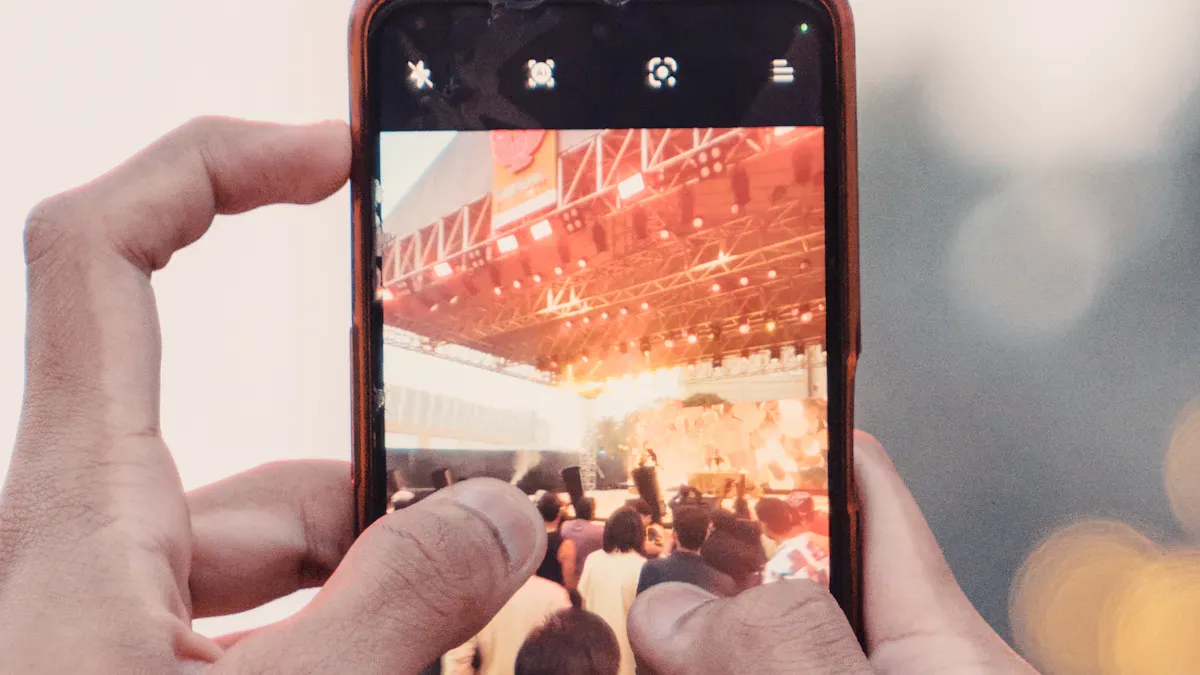
Photography plays a crucial role in capturing our everyday moments. With the rise of smartphones, especially the iPhone, you can snap stunning photos anytime, anywhere. But did you know that a few simple iPhone camera tricks can significantly enhance your photo quality? Let’s dive into some easy tricks to elevate your photography game!
Key Takeaways
Use grid lines to apply the rule of thirds. This technique helps you compose balanced and engaging photos by placing subjects along grid lines.
Avoid digital zoom to maintain image quality. Instead, get physically closer to your subject for clearer and sharper photos.
Utilize Portrait mode for stunning depth. This feature blurs the background while keeping your subject in focus, creating a professional look.
Grid Lines for Composition
Rule of Thirds
Using grid lines can dramatically improve your photo composition. One of the most effective techniques is the rule of thirds. This rule suggests dividing your frame into nine equal parts with two horizontal and two vertical lines. By placing your subject along these lines or at their intersections, you create a more balanced and engaging photo. Studies show that viewers’ eyes naturally gravitate towards these points, making your images more appealing. In fact, an eye-tracking study found that viewers focus on grid intersections 73% more often than on the center of the frame. This simple adjustment can reduce viewer dwell time by nearly 290 milliseconds, enhancing the overall impact of your photos.
Aligning Subjects
To enable grid lines in your iPhone camera app, follow these easy steps:
Open Settings on your iPhone.
Tap Camera.
Make sure Grid is enabled.
Once you activate this feature, you’ll see the grid lines appear when you open the camera. This visual guide helps you align your subjects better, ensuring they fit within the pleasing framework of the rule of thirds. By practicing this technique, you’ll find that your photos not only look more professional but also capture the viewer’s attention more effectively.
Avoid Digital Zoom
When you use digital zoom on your iPhone, you often lose image quality. Digital zoom simply enlarges the pixels in your photo, which can make your images look blurry or grainy. Instead, try to get physically closer to your subject. This technique, often called “shoe zoom,” helps you capture clearer and sharper photos.
Here are some tips to help you approach subjects for better photos:
Get Closer: Move in closer to your subject. This not only improves clarity but also allows you to capture more detail.
Use Optical Zoom: If your iPhone has optical zoom capabilities, use that instead of digital zoom. Optical zoom maintains image quality while bringing your subject closer.
Crop Later: If you can’t get close enough, take the photo and crop it later using software like Lightroom or Photoshop. This way, you maintain better quality than if you had zoomed in.
Plan Your Shots: Think ahead about where you want to position yourself. This can help you frame your shot perfectly without needing to zoom.
Experiment with Focal Lengths: Different subjects may require different focal lengths. Try using various settings to see what works best for your shot.
By following these tips, you’ll find that your photos will look much better without relying on zoom. Remember, getting closer is key to capturing stunning images with your iPhone camera!
Portrait Mode for Depth
Shallow Depth of Field
Portrait mode on your iPhone is a game-changer for capturing stunning photos. This feature creates a shallow depth of field, which means it blurs the background while keeping your subject in sharp focus. The result? A beautiful bokeh effect that makes your photos look professional. Here’s how it works: Portrait mode uses computational photography to mimic the shallow depth of field effect typically achieved with high-end cameras. It recognizes your subject and applies a blur to the background, enhancing the overall aesthetic of your shots.
Feature | Description |
|---|---|
Depth Effect | Portrait mode applies a blur effect to backgrounds, enhancing the focus on the subject. |
Photo Quality | Images taken in Portrait mode resemble those captured by dedicated cameras, improving overall quality. |
Dual Camera Use | The feature utilizes the dual camera system of the iPhone 7 Plus, which is essential for its operation. |
Best Subjects for Portraits
When it comes to subjects, Portrait mode shines with people. It’s perfect for capturing standard portraits where the person is the main focus. You can also use it for pets, flowers, or any object you want to highlight. The blurred background helps separate the subject from its surroundings, making your photos visually appealing. So, next time you’re out and about, try snapping a portrait of your friend or a close-up of your pet. You’ll be amazed at how much depth and beauty you can create with just a few taps on your iPhone!
Adjust Exposure and Contrast
Tapping to Focus
Adjusting exposure and contrast can significantly enhance your photos. When you tap to focus on your subject, your iPhone automatically sets the exposure based on that area. This simple action helps ensure your images aren’t too bright or too dark. Proper exposure captures details in all parts of the scene, which is crucial for high-quality photos.
Sliding to Adjust Exposure
After focusing, you can slide your finger up or down on the screen to adjust the exposure manually. This feature allows you to fine-tune the brightness of your image. Here are some common mistakes to avoid:
Overexposure: This often happens in harsh sunlight. To fix it, lower your ISO settings or use faster shutter speeds.
High ISO Settings: High ISO can introduce noise. Stick to lower settings for clearer images.
Long Exposure Times: These can blur your photos. Use shorter exposures in bright conditions.
Incorrect Metering: Make sure your camera measures light accurately.
By correcting these mistakes, you can improve your photos’ quality. Adjusting contrast adds depth and clarity, influencing the mood of the image. A well-balanced contrast can make your photos pop, drawing attention to your subject.
So, next time you snap a photo, remember to focus on exposure and contrast. With just a few taps and slides, you can elevate your photography game!
Wipe Your Lens
You might not think about it, but a clean lens is crucial for taking sharp photos with your iPhone. A dirty camera lens can obstruct light, leading to blurry images. Smudges and fingerprints can really mess with your photo quality. Regularly cleaning your lens can make a huge difference in clarity. Just imagine capturing that perfect sunset or a candid moment with friends, only to find out your photos are hazy because of a dirty lens!
To keep your iPhone camera lens in top shape, follow these simple cleaning tips:
Use a rocket blower: This handy tool blows away dust without touching the lens.
Utilize a lens pen: It has a soft cleaning tip and a retractable brush, making it perfect for quick clean-ups.
Employ pre-moistened lens wipes: These wipes contain a cleaning solution that evaporates quickly, leaving no streaks behind.
Use microfiber cleaning cloths: They’re great for buffing the lens after using wipes or for cleaning without any product.
Professional photographers recommend cleaning your smartphone camera lenses a few times a year. Doing this helps maintain optimal image quality, so your photos always look their best. Next time you grab your iPhone to snap a picture, take a moment to wipe the lens. You’ll be amazed at the difference it makes!
Use Natural Light

Natural light can transform your photos, making them look vibrant and professional. To get the best results, timing and positioning are key.
Best Times for Shooting
Professional photographers often recommend shooting during specific times of the day for the best natural lighting conditions. Check out the table below for guidance:
Time of Day | Lighting Conditions | Notes |
|---|---|---|
Golden Hour | First 1-2 hours after sunrise and last 1-2 hours before sunset | Soft, warm light that flatters skin tones and creates depth with longer shadows. |
Midday (10am – 2pm) | Harsh overhead light | Creates unflattering shadows and causes squinting, making it the worst time for photography. |
Overcast | Diffused sunlight | Softens harsh rays, providing flattering lighting conditions. |
Positioning for Light
How you position your subject relative to natural light can greatly influence your photo quality. Here are some tips to keep in mind:
Position the subject with the sun behind them for even lighting. This technique is often desirable but can lack visual interest.
Shoot with the sun to the side. This introduces shadows, enhancing texture and depth in your photos.
Use backlighting to create dramatic silhouettes. This emphasizes your subject against a bright background.
For semi-transparent subjects, allow sunlight to shine through. This reveals intricate details and colors, adding depth to your images.
Using natural light allows for spontaneous shooting and minimal gear, making it perfect for dynamic settings like weddings. However, remember that it can be unpredictable. By understanding the best times to shoot and how to position your subjects, you can capture stunning photos with your iPhone!
Explore Different Angles
Experimenting with angles can take your iPhone photography to the next level. Don’t be afraid to get creative! Here are some techniques to try:
Low Angle Shots: Crouch down to capture scenes from a low angle. This perspective makes your subjects appear larger and more powerful.
High Angle Shots: Shoot from a high vantage point for a bird’s eye view. This can make your subjects look smaller and create a unique tilt-shift effect.
Close-Up Perspectives: Fill the frame with intricate details of a subject. This approach can lead to abstract images that intrigue viewers.
Shooting Through Objects: Use semi-transparent objects to distort the view of your subject. This adds a creative touch to your photos.
Framing with Foreground Objects: Incorporate elements like doors or windows as natural frames. This technique draws attention to your main subject.
Framing is a powerful technique that photographers use to create compelling images. It helps guide the viewer’s eye and adds depth to compositions. Effective framing adds layers of meaning to a photograph.
Changing your perspective can turn an ordinary scene into an extraordinary photograph. For example, when I tried to photograph a beautiful, intricate manhole cover, shooting from directly above made it look flat. But when I crouched down and shot from a low angle with the city skyline in the background, the photo suddenly had a story and a sense of scale.
So, grab your iPhone and start experimenting with angles. You might just capture something amazing!
You’ve learned some fantastic iPhone camera tricks to enhance your photos! Experimenting with angles and techniques can boost your creativity. Join communities like Flickr or Instagramers to share your work and get feedback. So grab your iPhone, practice these tips, and capture stunning images that reflect your unique style!
