

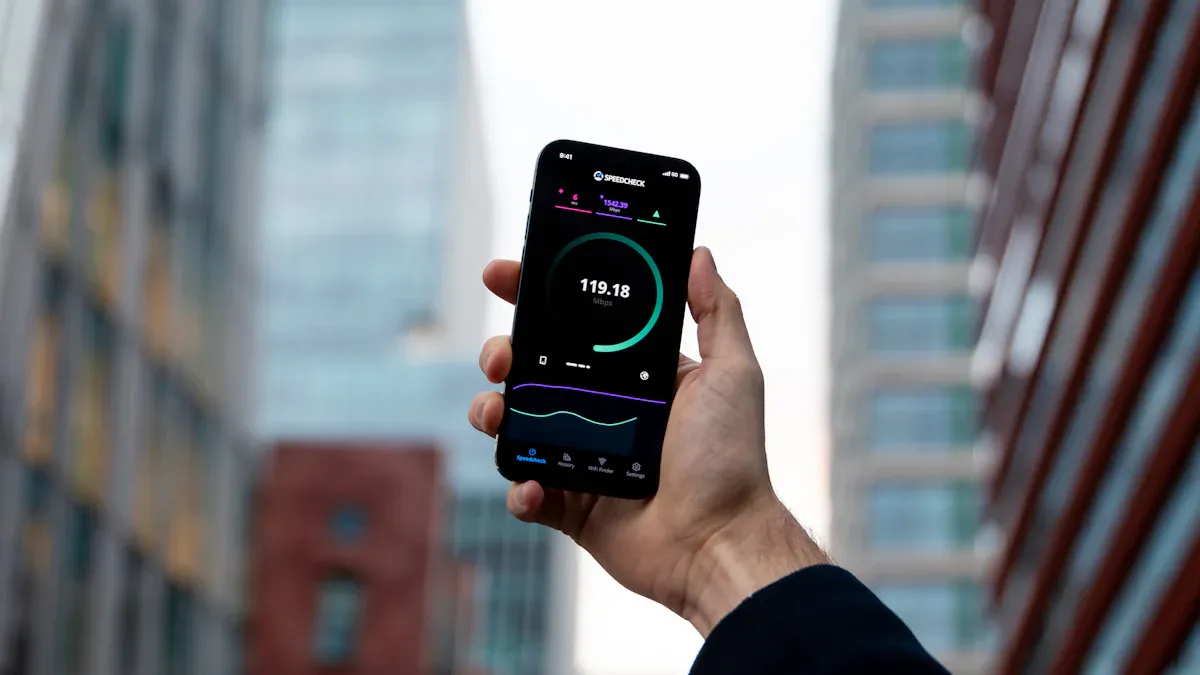
Keeping your Android device updated is crucial for better performance and a smoother user experience, highlighting the System Update Benefits. Regular updates can significantly boost your device’s speed and stability. You might worry about issues like storage space or battery life during updates. However, manufacturers often provide solutions to these concerns, ensuring you enjoy the best possible experience.
Key Takeaways
Regular Android updates boost app launch speed, making your favorite apps open faster.
Updates improve multitasking, allowing you to switch between apps smoothly without delays.
System updates fix bugs and enhance app compatibility, leading to a more stable and enjoyable device experience.
System Update Benefits for Performance
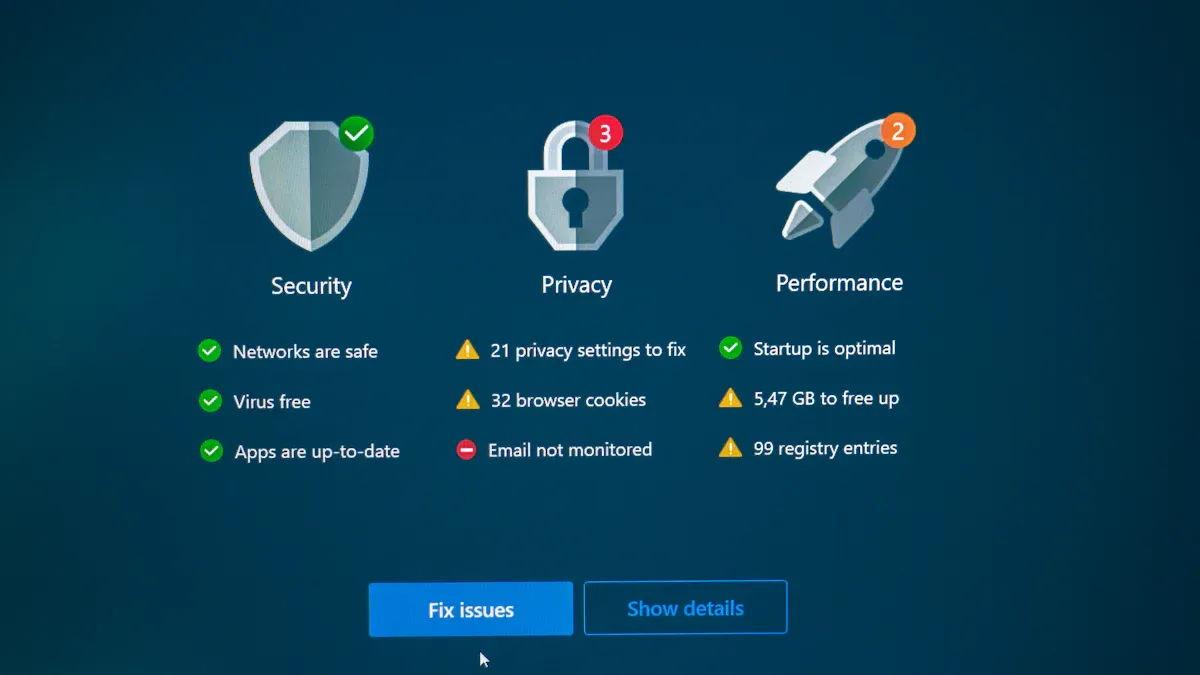
Faster App Launch
When you update your Android device, you often notice that apps launch faster. This improvement comes from various performance optimizations that updates bring. For instance, recent updates have shown a significant reduction in app launch times. In controlled tests, the median launch time dropped from 2.8 seconds to just 1.65 seconds, marking a 41% improvement. This means you can get into your favorite apps quicker than ever!
Here’s a quick look at how different metrics measure app launch performance:
Metric Type | Description | Tool Used |
|---|---|---|
Cold Startup | Measures app launch time from a completely closed state. | Macrobenchmark |
Hot Startup | Measures app launch time when the app is already in memory. | Macrobenchmark |
Microbenchmark | Benchmarks individual functions with high precision to assess performance. | Android Microbenchmark |
These metrics help developers optimize their apps, ensuring you enjoy a seamless experience. Regular updates are essential for maintaining a stable and secure mobile experience, which directly contributes to better app optimization and overall device safety.
Smoother Multitasking
Multitasking becomes a breeze with Android system updates. You’ll find that switching between apps feels more fluid and responsive. For example, the YouTube app update has reduced task-switching latency by 32–41% across various devices. This means you can jump from one app to another without frustrating delays.
Updates also enhance RAM management, which is crucial for multitasking. Here are some key points about how updates affect your device’s multitasking capabilities:
System updates often introduce new features that increase RAM consumption.
Older devices may struggle with multitasking due to higher resource demands from updates.
Background services introduced by updates can lead to increased memory pressure, affecting overall performance.
With these improvements, you can enjoy smoother gaming and streaming experiences. Whether you’re watching videos or playing games, the updates ensure that your device runs efficiently, allowing you to multitask without interruptions.
Stability Improvements with Updates

Bug Fixes
One of the biggest advantages of Android system updates is the bug fixes they provide. Bugs can cause your device to freeze, apps to crash, or even lead to security vulnerabilities. Regular updates help you avoid these issues by addressing common problems. Here are some of the most frequently fixed bugs:
Security vulnerabilities
Performance issues
Usability glitches
By fixing these bugs, updates enhance your device’s stability. You can enjoy a smoother experience without unexpected interruptions. For instance, system updates often include critical security patches. Google releases these updates monthly to keep your device safe and running efficiently.
App Compatibility
Another significant benefit of updates is improved app compatibility. As developers create new features, they often rely on the latest Android updates to ensure their apps work correctly. Here’s a quick look at how updates enhance compatibility:
Feature | Description |
|---|---|
App Hibernation | Automatically hibernates unused apps, revoking permissions and reclaiming resources. |
Updates also fix memory leaks, which can cause apps to behave erratically. For example, a recent update fixed a memory leak during activity destruction, stabilizing apps when you rotate your screen. This means you can switch between apps without worrying about crashes or slowdowns.
Stability improvements from updates directly impact your satisfaction with the device. When your apps run smoothly, you’re more likely to enjoy using your device. Plus, ongoing software support from manufacturers enhances reliability over time. Regular updates keep your device functioning well, ensuring you get the most out of your investment.
Evidence Type | Description |
|---|---|
Software Support | Ongoing support from manufacturers through updates enhances device reliability. |
Security Patches | Regular updates provide security patches that protect against vulnerabilities. |
Performance Optimizations | Updates can improve performance and battery health over time. |
Long-term Functionality | Lack of updates can lead to decreased functionality and security risks. |
Keeping your Android device updated is essential for a smooth experience. Regular upgrades enhance performance and stability, making your device more user-friendly. Remember, as updates increase, managing them effectively is crucial to maintain performance. So, don’t hesitate—stay updated for the best experience!
