

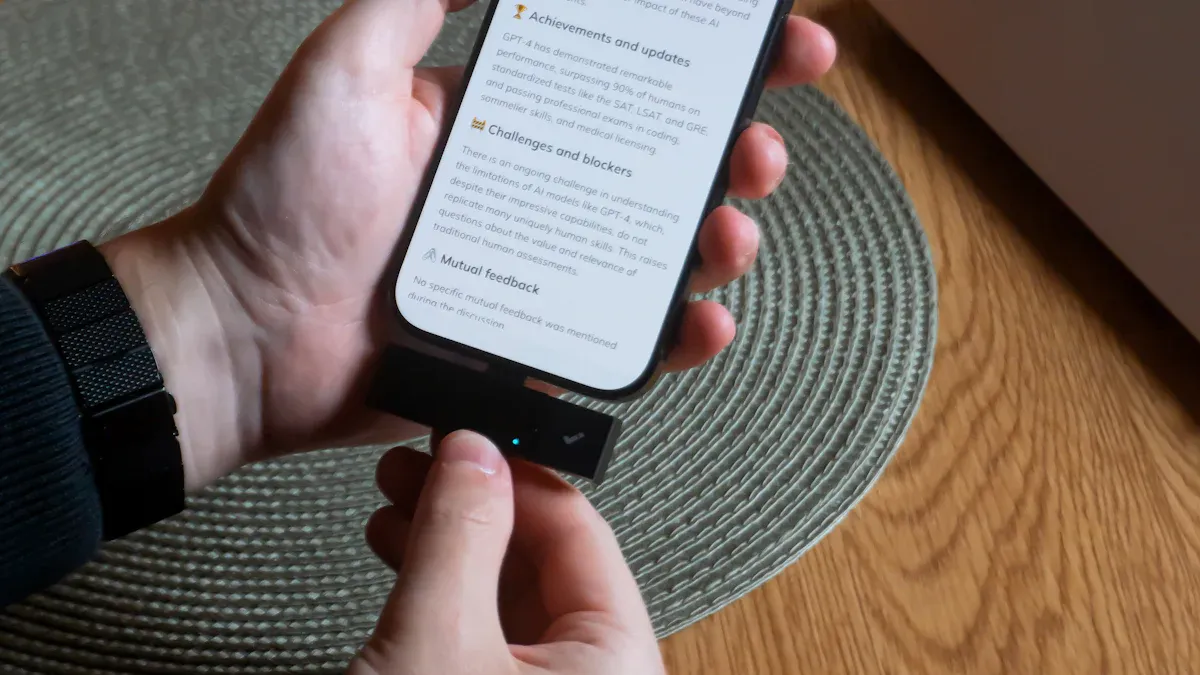
Have you ever wondered what your Android phone features can really do? The excitement of discovering hidden Android phone features can transform your daily experience! Many users don’t realize the full potential of their devices. As software updates roll out, you might miss out on new Android phone features, especially when you don’t receive notifications for Google Play system updates. This lack of awareness can hold you back from unlocking the best of your device. So, why not take some time to explore? You might uncover tools that make your life easier and more efficient!
Key Takeaways
Explore customization options like theme and icon packs to personalize your Android phone and reflect your style.
Utilize split-screen multitasking to run two apps side-by-side, boosting your productivity and efficiency.
Manage app permissions to protect your privacy and prevent unauthorized access to your personal data.
Take advantage of quick settings shortcuts to access frequently used features quickly, saving you time and effort.
Use features like QR Code Wi-Fi sharing to simplify connecting to networks, making it easier to share access with others.
Customization
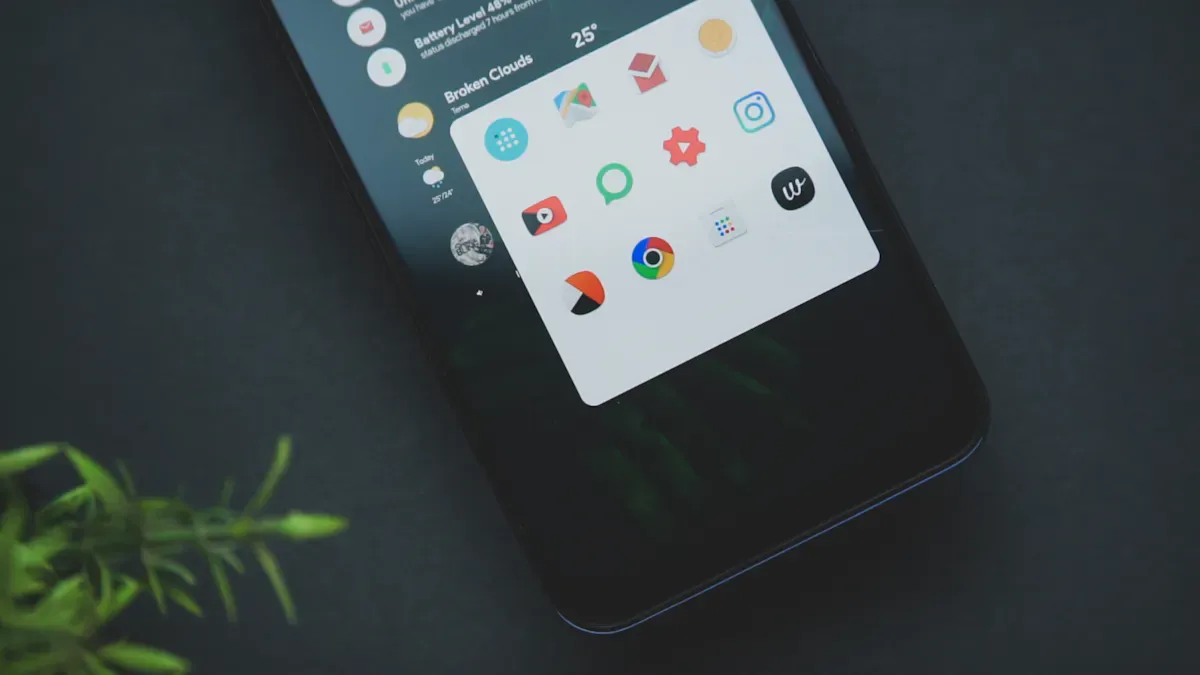
When it comes to personalizing your Android device, the options are nearly endless! Customization allows you to tailor your phone to fit your style and needs. Here are some exciting ways to make your Android experience uniquely yours.
Theme and Icon Packs
One of the most popular ways to customize your Android phone is through theme and icon packs. You can change the look and feel of your device with just a few taps. Many users enjoy removing the “At a Glance” widget, which 37% of surveyed users prefer. Others opt for Samsung-style navigation button layouts (23%) or adjustable flashlight brightness (18%). With so many options available, you can create a look that truly reflects your personality.
Gesture Navigation
Gesture navigation is another fantastic feature that enhances usability. Instead of relying on traditional buttons, you can swipe and tap your way through your phone. This shift has made navigation feel more natural and less cumbersome. Users find that gestures like swiping for ‘back’ and ‘home’ are intuitive and improve interaction efficiency. As Android continues to evolve, these core gestures are becoming standard across devices, making it easier for you to navigate your phone seamlessly.
Always-On Display
The always-on display feature is a great way to keep essential information at your fingertips. You can glance at the time, notifications, or even your calendar without fully waking your phone. However, keep in mind that while this feature enhances convenience, it can drain your battery significantly. For instance, with the always-on display activated, your battery may last around 100 hours in idle mode, compared to 400 hours when it’s off. Balancing convenience and battery life is key!
Customization not only makes your device look good but also enhances your overall user experience. When you can personalize your phone, you gain a sense of control and satisfaction. So, dive into your settings and explore the hidden features that can elevate your Android experience!
Productivity with Hidden Features
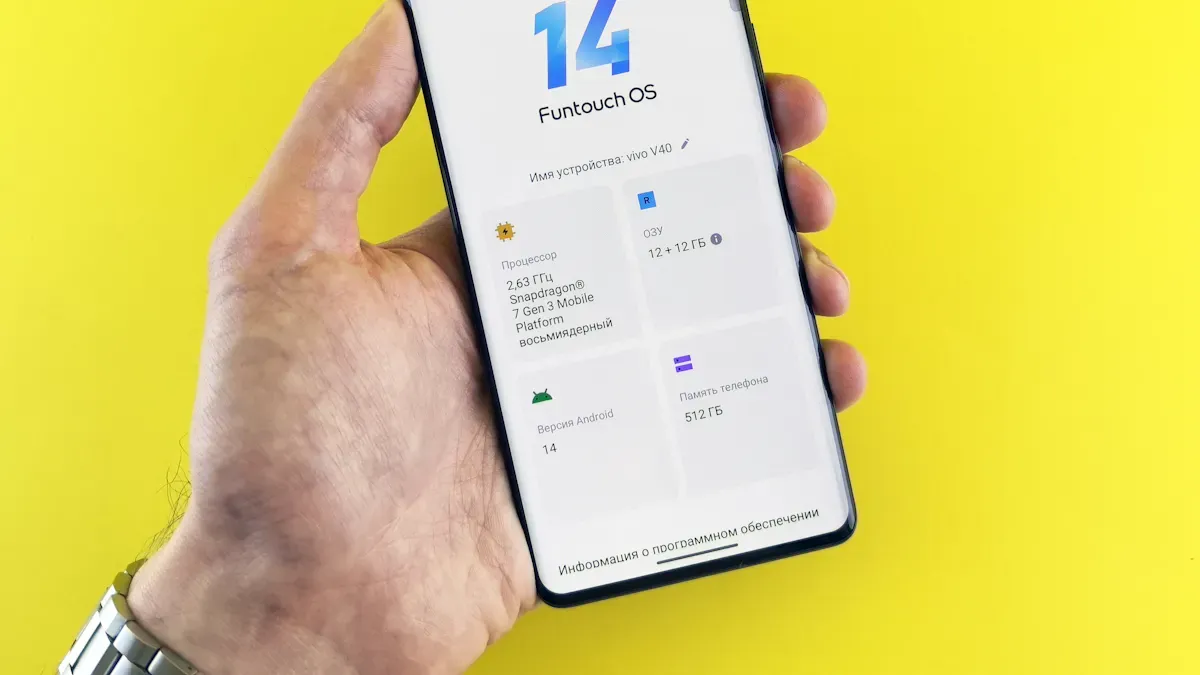
Unlocking the hidden features of your Android phone can significantly boost your productivity. Let’s dive into some tools that can help you work smarter, not harder.
Split-Screen Multitasking
Have you ever wished you could run apps side-by-side? With the split-screen view, you can! This feature allows you to use two apps simultaneously, making it easier to juggle tasks. For example, you can chat with a colleague while reviewing a document or browse the web while taking notes. Studies show that many users find this feature saves time and minimizes disruptions. Here are some benefits of split-screen multitasking:
It enables you to discuss with clients over email while scheduling meetings.
You can create content and conduct research without switching apps.
Web developers appreciate coding alongside documentation access.
Social media managers can monitor multiple accounts and analyze trends effortlessly.
Quick Settings Shortcuts
Quick settings shortcuts are another hidden gem that can streamline your daily tasks. By pinning frequently used settings, you can access them in a flash. This feature can reduce task completion time by up to 71%! Here’s how quick settings shortcuts can help you:
Shortcut Type | Task Completion Time Reduction | Attention Residue Reduction | Battery Life Extension |
|---|---|---|---|
Quick Settings tile pinning | 71% | N/A | N/A |
Smart text selection + context actions | N/A | 41% | N/A |
Voice Access for hands-free navigation | N/A | N/A | N/A |
Notification snooze with custom duration | N/A | N/A | N/A |
Split-screen via long-press + drag | N/A | N/A | N/A |
Google Assistant voice command chaining | N/A | N/A | N/A |
Clipboard history with instant paste | N/A | N/A | N/A |
These shortcuts not only save you time but also help you stay focused on your tasks.
Advanced Battery-Saving Tools
Battery optimization is crucial for maintaining productivity throughout the day. Android offers several advanced tools to help you extend your battery life. Here are some features you might find useful:
Battery Historian: Track power consumption and identify unnecessary drain.
Power Manager API: Optimize background tasks to save energy.
Dark Mode: This can save up to 60% of battery life.
Adaptive Brightness: Reduces energy use by 30-50%.
Reduced Animations: Lowers consumption by 15-25%.
Memory Caching: Can cut battery usage by 30-40%.
By utilizing these battery-saving tools, you can keep your phone running longer, allowing you to focus on what matters most.
Exploring these hidden android features can transform your productivity. Whether you’re multitasking, accessing settings quickly, or optimizing battery life, these tools can make your Android experience smoother and more efficient.
Security and Hidden Android Features
When it comes to your Android phone, security should always be a top priority. With the rise of digital threats, understanding hidden Android features can help you protect your personal information. Let’s explore some essential security features that you might not be fully utilizing.
App Permissions Management
Managing app permissions is crucial for safeguarding your privacy. Many users overlook this feature, but it plays a significant role in keeping your data secure. By controlling which apps have access to your sensitive information, you can prevent malicious developers from exploiting your data. Here are some key insights about app permissions management:
Key Insight | Description |
|---|---|
Trust Building | Effective permission management fosters user trust by prioritizing privacy and transparency. |
Contextual Prompts | Requesting permissions only when necessary supports data minimization and enhances user understanding. |
Explanation of Permissions | Providing clear reasons for sensitive data requests increases user trust and compliance with privacy laws. |
Without proper management, you risk exposing yourself to various threats. For instance, malicious developers could access sensitive data like your contacts and location. You might unknowingly enable tracking and data harvesting for advertising. Poor permission management can even lead to serious security risks, including ransomware attacks. So, take a moment to review your app permissions and adjust them as needed.
Guest Mode
Have you ever lent your phone to a friend or family member? If so, you might want to consider using Guest Mode. This feature allows you to create a temporary profile for others to use without giving them access to your personal data. Here are some benefits of using Guest Mode:
Benefit | Description |
|---|---|
Memory Pressure Reduction | Guest Mode uses 127 MB less RAM than a full secondary user profile, eliminating background sync daemons. |
Notification Hygiene | Zero notifications appear, reducing attention residue by 63% compared to other modes. |
Credential Isolation | Biometric authentication is active, but stored passwords and credentials remain inaccessible. |
By activating Guest Mode, you can enjoy peace of mind knowing that your private information stays secure. It’s a simple yet effective way to share your device without compromising your security.
Developer Options
Developer Options may sound intimidating, but they offer valuable tools to enhance your Android experience. While primarily designed for developers, these options can also improve your device’s security. For example, you can enable USB debugging to allow secure connections to your computer. This feature can help you troubleshoot issues or transfer files safely.
However, be cautious when using Developer Options. Some settings can affect your device’s performance or security. Always ensure you understand what each option does before making changes.
Connectivity Features
In today’s fast-paced world, staying connected is essential. Android phones come packed with features that make connectivity easier than ever. Let’s explore two standout features that can simplify your interactions.
QR Code Wi-Fi Sharing
Connecting to Wi-Fi networks can sometimes feel like a hassle, especially when you have to type long passwords. Luckily, Android offers a nifty QR Code Wi-Fi sharing feature that streamlines this process. Here’s how it works:
Open your Wi-Fi Settings.
Select the Wi-Fi network whose password you want to share.
Click on the option ‘Tap to Share Password’.
A Wi-Fi QR code will appear.
Tap on ‘Share’ or ‘Share via QR Code’ to connect to that network.
This feature not only saves you time but also reduces the chances of entering the wrong password. Just scan the code, and you’re connected! It’s a simple yet effective way to share your network with friends and family without the fuss.
Reverse Wireless Charging
Have you ever found yourself in a pinch, needing to charge your earbuds or smartwatch? With reverse wireless charging, your Android phone can come to the rescue! This feature, available on devices like the Samsung Galaxy S10 series, allows you to charge smaller devices while your phone itself is charging.
In practical tests, charging a Samsung Buds case from empty took just over three hours, giving you more than two hours of listening time. However, charging a Galaxy Watch Active took longer, around 3 hours and 26 minutes, and consumed over 40% of the Galaxy S10e’s battery. While this feature is handy for small devices, it may not be as efficient for larger ones. Still, it’s a great backup option when you need it most.
With features like QR Code Wi-Fi sharing and reverse wireless charging, your Android phone becomes a powerful tool for staying connected. So, take advantage of these capabilities and make your daily interactions smoother!
Exploring hidden features on your Android phone can truly enhance your experience. You might be surprised by how much more efficient and enjoyable your device can be! Here are some benefits you can gain:
Benefit | Description |
|---|---|
Improved Efficiency | Users can utilize fast app-switching features to navigate apps more quickly. |
Enhanced Privacy | New privacy features provide better control over app permissions and data access. |
Better Battery Management | Tools like Adaptive Battery help optimize battery usage based on app usage patterns. |
To discover these hidden gems, try these effective methods:
Access the Notification Log: Add the notification log widget to your home screen to view dismissed notifications.
Use One-Handed Mode: Enable one-handed mode for easier typing on larger devices.
Find Easter Eggs: Tap on your Android version multiple times in the settings to reveal fun surprises!
So, take some time to dive into your device. You’ll find features that can make your life easier and more efficient! 🌟
FAQ
What is gesture navigation on Android?
Gesture navigation lets you control your phone using swipes and taps instead of buttons. It makes moving around your device feel smooth and natural.
What does split-screen multitasking do?
Split-screen multitasking lets you use two apps side-by-side. You can watch a video while texting or browse the web while taking notes.
How does the always-on display help me?
The always-on display shows important info like time and notifications without waking your phone. It saves time but uses more battery.
What is Guest Mode on Android?
Guest Mode creates a temporary profile for others to use your phone safely. It hides your personal data and keeps your info private.
How can I share Wi-Fi with a QR code?
You can generate a QR code for your Wi-Fi network in settings. Others just scan it to connect—no password typing needed!
